

RedotPay

HELLO

How to sign up for Redotpay membership and get a card
Step 1: Sign up
1. Sign up on your mobile phone:
(Membership registration and use are for mobile phone use)
Click on Get Card Below.
2. Register your email:
Create an account by entering your email address. Authentication is faster when using a Google email.
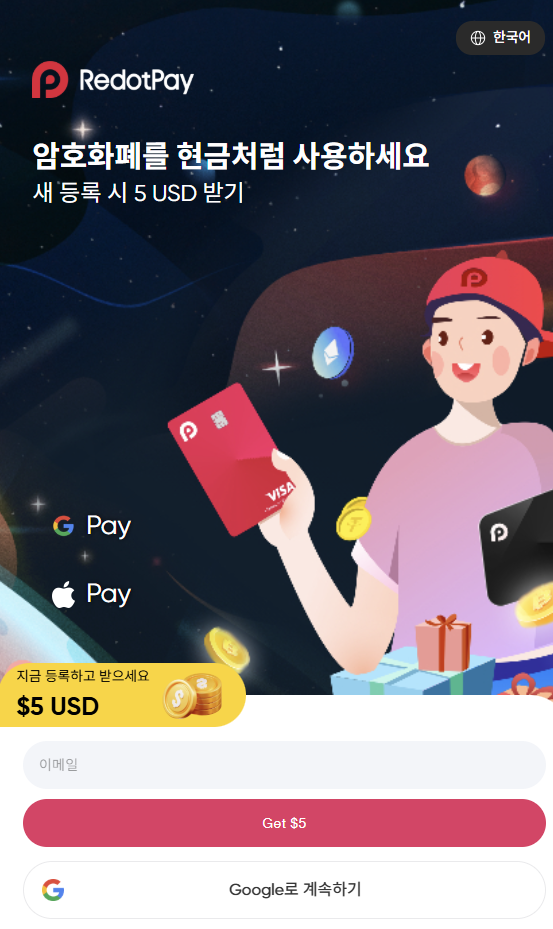

Not recommended
Enter your email address
suggestion
If you click Continue with Google, it will look like the picture below.
Select your email
3. Select Email:
Click Select used email from the emails saved on your mobile phone.

4. Enter your PIN number and authenticate yourself with a passkey:
You can authenticate using Google Security Verification's fingerprint, face, screen lock PIN, etc.
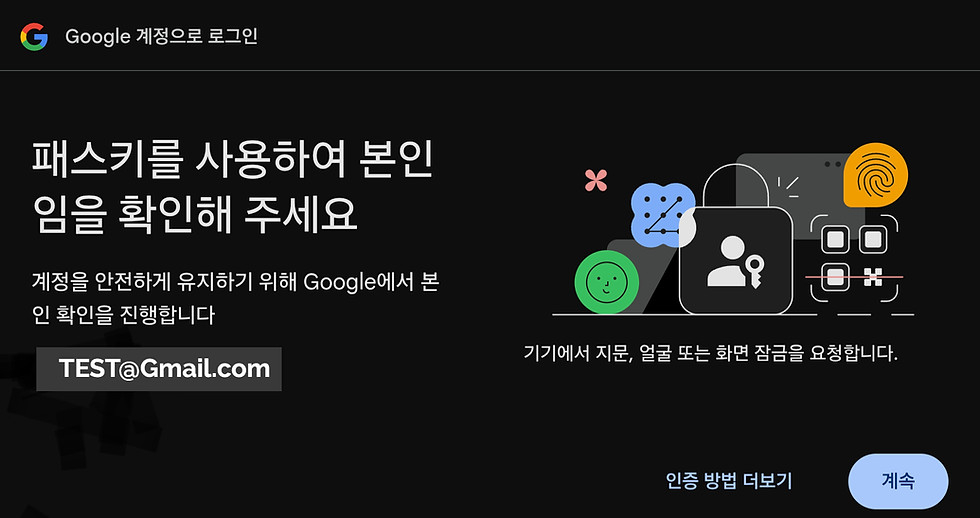
5. After completing identity verification using a passkey:
You will see a screen like the one below. Just click Continue.
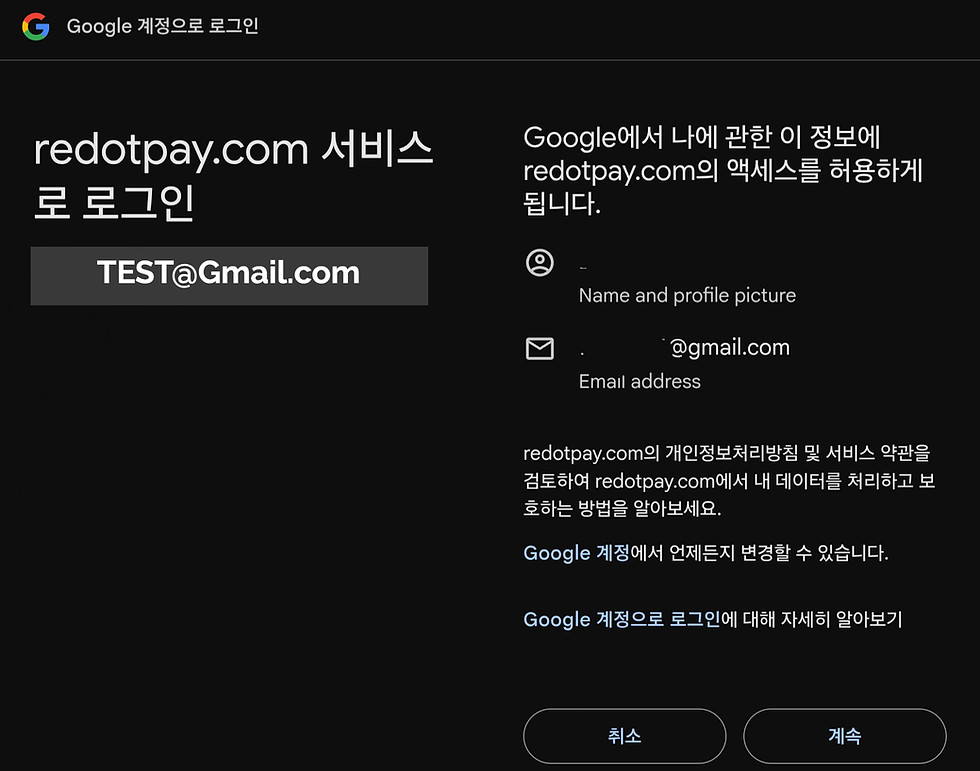
6. When you click Continue, you will be taken to the following screen:
You will see a screen like the one below. Here, you can select the one that matches your phone model.
Example: If your phone model is Android, you can select Google Play.
Example: If your phone is an iPhone, you can select App Store.
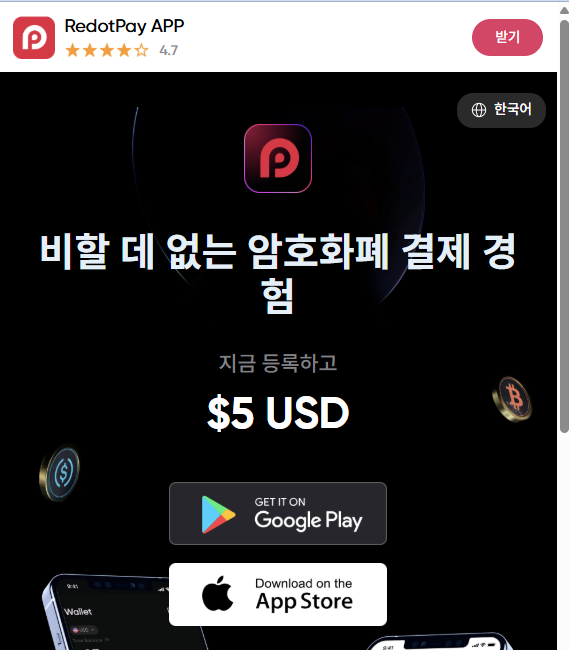
Redo Pay
Download the app


7. If you have installed the RedotPay app on your phone, you will need to verify your identity.
KYC verification required documents:
You may choose any ID you wish, such as a driver's license or passport.
Most people usually use their ID cards.
Step 2: Identity Verification (KYC)
1. Required documents: Enter information on one of the following: Resident Registration Card, Driver's License, or Passport
2. Nationality: Republic of Korea
3. Name: English name same as passport
4. Date of birth: Enter accurately
5. Upload your ID and take a photo of your face
6. Take a clear picture of the front of your ID.
7. Take a front view photo of your face (selfie)
Additional Authentication
8. Enter email and mobile phone authentication code
9. Waiting for review
10. Verification is usually completed within a few minutes after submission.
Step 3: Apply for a card
A - Virtual Card Issuance
11. Virtual Card
12. Cost: Approximately $10 USDT
13. Features: Instant issuance, online payment, and Apple Pay/Google Pay registration possible
B - Issuance of physical card
14. Physical Card
15. Cost: Approximately $100 worth of USDT
16. Features: Offline payment and ATM withdrawal possible
Step 4: Recharging Cryptocurrency
Supported Coins
Stable coins such as USDT, USDC, etc.
How to charge
Purchase USDT from a domestic exchange (e.g. Bithumb) and transfer to your RedotPay wallet address
Referral Network: TRC-20 (almost no fees)
📌 Note
Item Contents
Fee: 1% for virtual asset conversion + 1.2% for foreign currency transactions (total approx. 2.2%)
Apple Pay and Google Pay integration: Yes (useful for iPhone and Android users)
Places of use: Domestic and international Visa merchants, online shopping, overseas subscription services, etc.
실물 암호화폐 카드 모든 것을 위한 카드 한 장
-
탭 결제
-
ATM 출금
버추얼 암호화폐 카드 언제 어디서나
-
즉시 거래
-
널리 사용됨
-
Apple Pay/Google Pay와 호환
Ready to get started?
The world of crypto cards is beginning.
First, take a step into the new market.